UDICE-AUTO BY P. CHOUDHARY
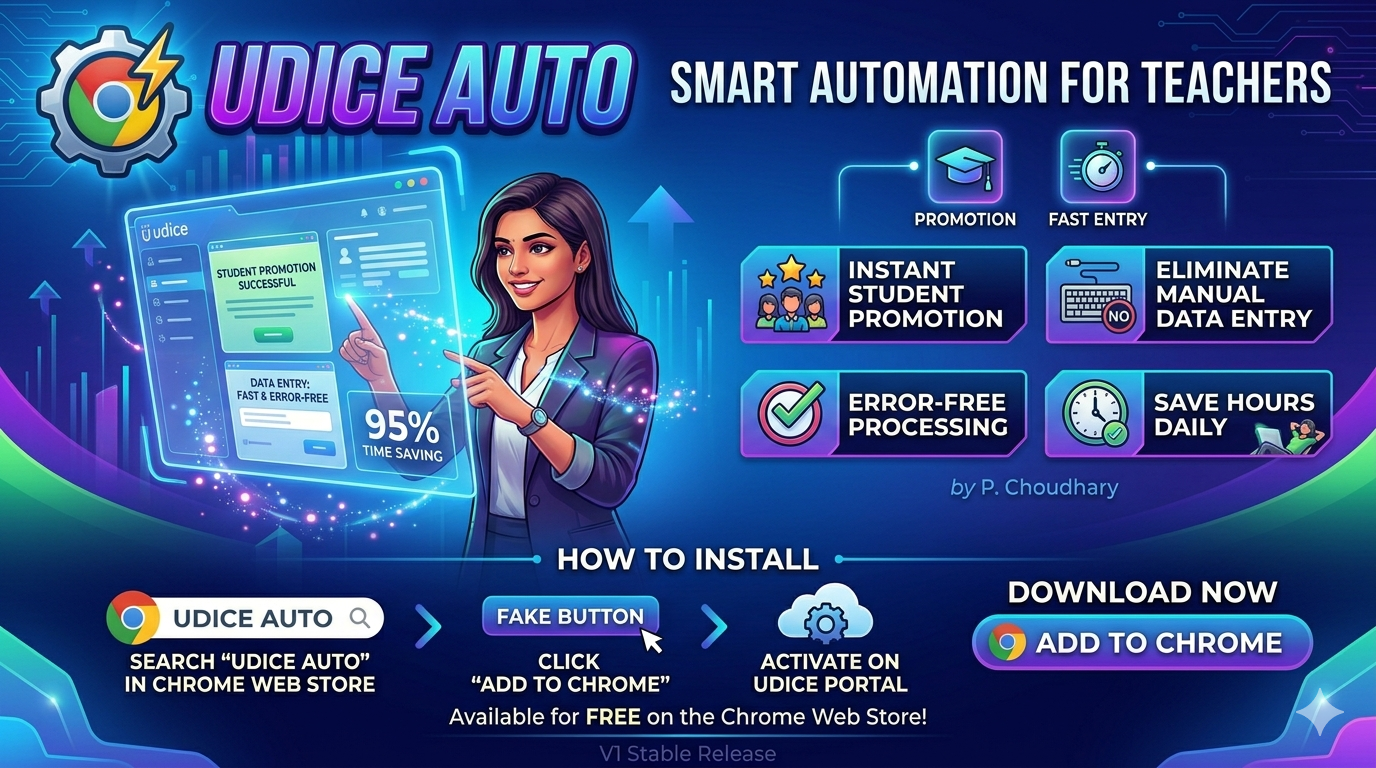
udice-Auto is a smart Chrome extension designed to simplify teacher workload on the Udice portal. Automate student promotion and repetitive data entry with speed and precision.
KEY FEATURES & AUTOMATIONS
Smart tools packed into one light Chrome extension
Promote Students
Automate bulk student promotions on the Udice portal with a single click. Eliminates manual line-by-line promotion errors.
Fast Data Entry
Accelerate form auto-fills and student details verification. Smooth, lightweight, and engineered for high efficiency.
Zero Config Setup
Simply un-zip and load directly in Google Chrome. No registration, credentials logging, or external account setup needed.
HOW TO INSTALL IN CHROME
Follow these 4 simple steps to install udice-Auto
Open Chrome Extensions
Click ⋮ (3 dots) in top-right → Extensions → Manage Extensions.
Enable Developer Mode
Top-right corner में Developer Mode का toggle toggle slider ON कर दें।
Click "Load Unpacked"
Top-left side में प्रकट होने वाले "Load Unpacked" बटन पर क्लिक करें।
Select Folder
Downloaded ZIP को extract करके उसके unzipped folder को select करें।
VERSION HISTORY
Track the evolution of udice-Auto
UDICE-AUTO VERSION 1.0
Initial public release featuring automated Student Promotion, streamlined form submission, and fast data entry routines tailored for Udice portal workflows.
READY TO AUTOMATE UDICE PORTAL TASKS?
Download udice-Auto now and save hours of manual data entry work. Created by Pankaj Choudhary.
Download Free Extension (v1.0)